MacDive Alternative: What's True, What's Rumor, and How to Switch
If you searched for this, you've probably seen the ScubaBoard thread titled "MacDive seems dead in the water." Most people posting in it say the opposite: MacDive still works. What's going on is narrower than the thread title suggests: the developer has gone quiet, some users report unanswered support emails, and nobody outside Mint Software Ltd knows whether MacDive is still being maintained or just still online.
On that same thread, js1221 says two emails to the MacDive developer went unanswered, no follow-up, no resolution. If MacDive is the only place your dive history lives, that email thread is a preview of what happens if you ever need to reach the developer.
If you've got years of dive history in MacDive, that distinction matters. You don't need to panic-migrate off an app that's working. You need an exit plan before you're forced into one.
What I Know
- MacDive is still listed and purchasable in some App Store regions. The most recent build, 1.4.11, went out within the last couple of years, not five.
- Its bundled libdivecomputer library predates support for newer hardware like the Halcyon Symbios, which is the concrete version of "falling behind" rather than a vague one.
- Nobody has announced a shutdown. No sunset date, no "export your data now" notice, nothing official.
One diver on the ScubaBoard thread put a sensible plan plainly: "I plan on using it until it is no longer supported. At that point I'll export the data and import it into Subsurface." Here's how to do that whenever you decide to.
Export First, Decide Later
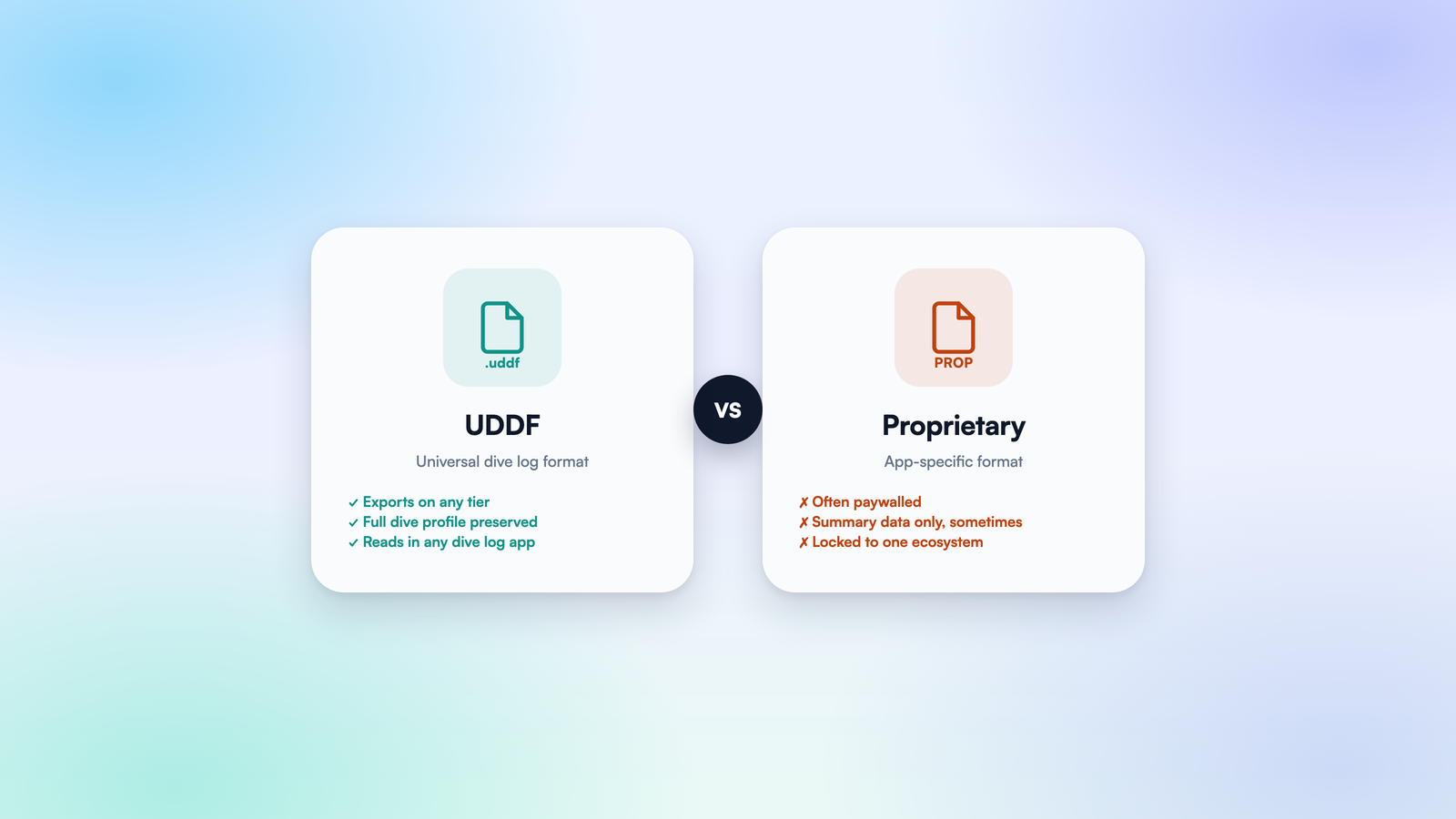
Before you look at any alternative, export your logbook. MacDive supports exporting to UDDF, the open XML format built so dive data isn't locked into one app. Do this today even if you're not switching today; it costs nothing and it's the only thing that protects years of dive history if MacDive's situation changes without warning, or if you pick up a newer computer MacDive's aging libdivecomputer build can't talk to.
Once that export is sitting on your machine, you're choosing between apps that can all read the same file, not choosing "stay or leave" under pressure.
The Alternatives
Subsurface is free, open-source, and the most commonly recommended alternative in that ScubaBoard thread. It runs on Windows, Mac, and Linux, supports over 200 dive computers, and imports UDDF directly. The interface hasn't modernized much in years, and the mobile app is more limited than desktop: you can't import UDDF or FIT files on mobile, that still needs the desktop app. If you're fine with a denser, more technical interface in exchange for free-forever and full platform coverage, it's a solid landing spot.
Submersion is a newer open-source option, built by an independent developer after finding the existing choices underwhelming. Still young, still in active testing, but it already supports UDDF 3.2 import from MacDive, Subsurface, Diving Log, and DiveMate, plus 300+ computers via libdivecomputer. Worth watching if you want something with a more modern interface than Subsurface without paying for it. Expect some rough edges given how new it is.
Dive Log by Greg McLaughlin is the other actively-maintained paid option on iOS, and probably the closest like-for-like replacement if what you liked about MacDive was a focused, no-social-layer logbook. One-time $14.99 purchase, Bluetooth sync per dive computer brand is a separate $2.99 add-on. It's kept a steady update pace, including a full redesign for iOS 26.
Currents is the app I build, so weigh this one accordingly: it imports MacDive's own XML export directly, not just UDDF, so a backup drops in dive by dive, keeping visibility, weight, and tank type that Currents' own UDDF import doesn't capture. Interface and design get the same attention, the reason most people say they paid for MacDive instead of using Subsurface for free. There's also a social layer (dive buddies, site reviews, a feed), easy to ignore if that's not what you're after. If you wanted MacDive's no-frills, logbook-only approach specifically, Subsurface or Dive Log are the closer match. Import and cloud backup are both free; check the compatibility list before anything paid.
What to Do Next
Export to UDDF today, regardless of what you decide after. Then import that file into two candidates before committing to either; most of these apps let you try them free. The cost of switching dive log apps isn't the money, it's the couple of hours re-entering dive sites and buddies by hand if the export doesn't carry everything over. Test the import before you pay for anything.
If your dive computer is one of the ones I support, my compatibility list will tell you before you spend any time on this at all.